New Launch Alert!!!!
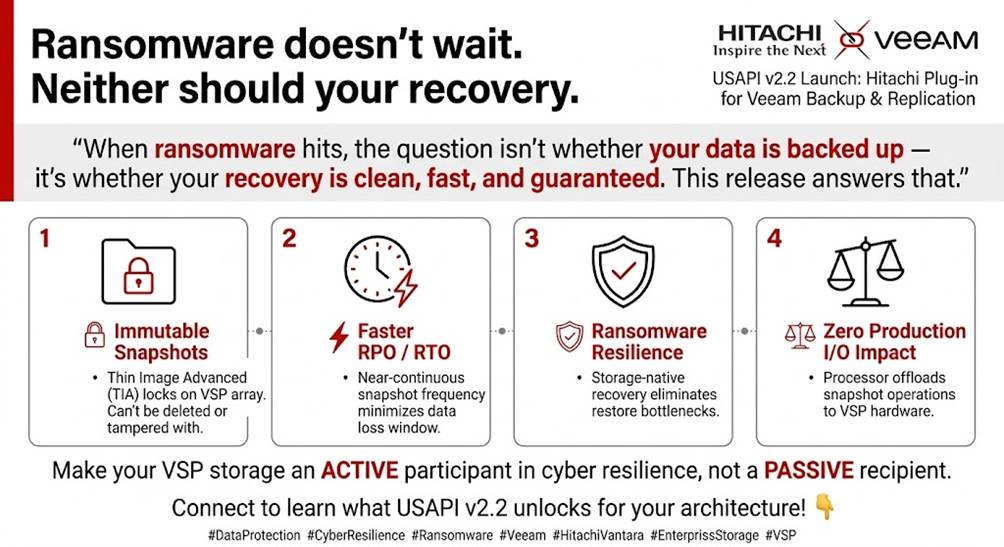
Ransomware doesn't wait. Neither should your recovery.
Hitachi Plug-in for Veeam Backup & Replication · USAPI v2.2 · Launch
Thrilled to announce the launch of the Hitachi Plug-in for Veeam Backup & Replication (USAPI v2.2) — a significant step forward in enterprise data protection for Hitachi VSP storage environments.
"When ransomware hits, the question isn't whether your data is backed up — it's whether your recovery is clean, fast, and guaranteed. This release answers that."
What we built
This release centers on deep snapshot-based integration between Veeam and Hitachi VSP storage, with Thin Image Advanced (TIA) Immutable Snapshots at its core. Here's what that means in practice:
🔒 Immutable Snapshots⚡ Faster RPO / RTO🛡 Ransomware ResilienceZero production impactSimplified operationsVSP storage-native
↓ RPONear-continuous snapshot frequency reduces data loss window
↓ RTOStorage-side recovery eliminates restore bottlenecks
Why it matters now
Enterprises running Hitachi VSP One need ransomware resilience that lives at the storage layer — not layered on top of it as an afterthought. TIA Immutable Snapshots can't be deleted or tampered with by ransomware actors or rogue admins. Pair that with Veeam's orchestration and you get a closed-loop protection workflow that's both hardened and operationally simple.
The bigger picture
This is more than a plugin update. It represents a shift toward making storage infrastructure an active contributor to cyber resilience—rather than a passive destination for backup jobs. As AI‑driven workloads continue to accelerate data growth, the ability to recover at storage speed becomes a true competitive advantage.
If you’re running Hitachi VSP with Veeam, contact your Hitachi representative to explore what USAPI v2.2 enables for your architecture. 👇
#DataProtection #CyberResilience #Ransomware #Veeam #HitachiVantara #EnterpriseStorage #ProductManagement #BackupAndRecovery #VSP #StorageInfrastructure #ResOps #ImmutableStorage
Storage Plug-in for Veeam Backup Replication User Guide
#Blog